Motion direction

Use higgsfield ai motion control to direct moving scenes

higgsfield ai motion control turns a reference performance or camera move into a guide for generated video. Start with a clear subject, a deliberate motion pattern, and a prompt that explains what should remain consistent.

Prompt-led starting point

Prerequisites

The strongest results come from preparing the movement before asking Higgsfield AI to render it. These four setups cover the most common starting points.

Director

You have a rough handheld shot and want a generated character to follow its timing, direction, or camera energy.

Use the reference as a motion blueprint, then describe the subject and setting separately so the action stays readable.

higgsfield ai video
Product marketer

You need a bottle, shoe, or device to rotate, slide, or stay centered while the scene changes around it.

Choose a simple reference move and specify which object must remain stable throughout the shot.

higgsfield ai video

Creator

You want a still character image to perform a walk, turn, gesture, or push-in without animating every frame.

Pair a clear subject image with one dominant action instead of stacking several unrelated movements.

higgsfield ai video

Editor

You are exploring alternate footage for an existing concept and need consistent pacing across several visual treatments.

Keep the reference rhythm fixed while changing wardrobe, environment, lighting, or visual style in the prompt.

higgsfield ai video

One full run-through

A reliable motion control pass is less about adding detail and more about separating movement, appearance, and continuity into clear decisions.

  1. 1

    Prepare one readable reference

    Choose a clip or movement sample with a visible subject, a distinct direction, and limited background clutter. A short, intentional move is easier for the system to interpret than a crowded sequence with several cuts.

  2. 2

    Lock the visual subject

    Provide the image or describe the character, product, or environment you want to preserve. State what should stay stable, such as the face, silhouette, product shape, or camera-facing orientation.

  3. 3

    Describe the controlled change

    Write the action in plain language: walk forward, rotate left, push in, orbit around the subject, or raise one hand. Render, inspect the motion, and revise one variable at a time.

Start with one dominant movement pattern
01 reference
Separate motion direction from visual styling
02 layers
Review subject, timing, and continuity before refining
03 checks

Options table

Motion control is most useful when you decide which part of the shot deserves priority. This comparison helps choose a stable starting mode.

Reference-led motion
Prompt-led motion

Best starting input

Reference-led motion

A short clip, pose sequence, or camera movement to follow

Prompt-led motion

Useful when no suitable reference exists

Movement precision

Reference-led motion

More predictable direction, rhythm, and broad timing

Prompt-led motion

More interpretive; results depend on wording and scene clarity

Visual freedom

Reference-led motion

The reference can constrain the overall performance

Prompt-led motion

More room to invent staging, atmosphere, and composition

Subject consistency

Reference-led motion

Works best when the source movement is clean and legible

Prompt-led motion

Can preserve a described subject but may reinterpret fine details

Ideal use

Reference-led motion

Recreating a gesture, camera move, or performance beat

Prompt-led motion

Exploring an original shot from a simple creative brief

Revision strategy

Reference-led motion

Change the reference or remove distracting motion

Prompt-led motion

Rewrite one action, camera, or continuity instruction at a time

Common trade-off

Reference-led motion

Less freedom when the reference carries unwanted behavior

Prompt-led motion

Less repeatability when the prompt leaves movement ambiguous

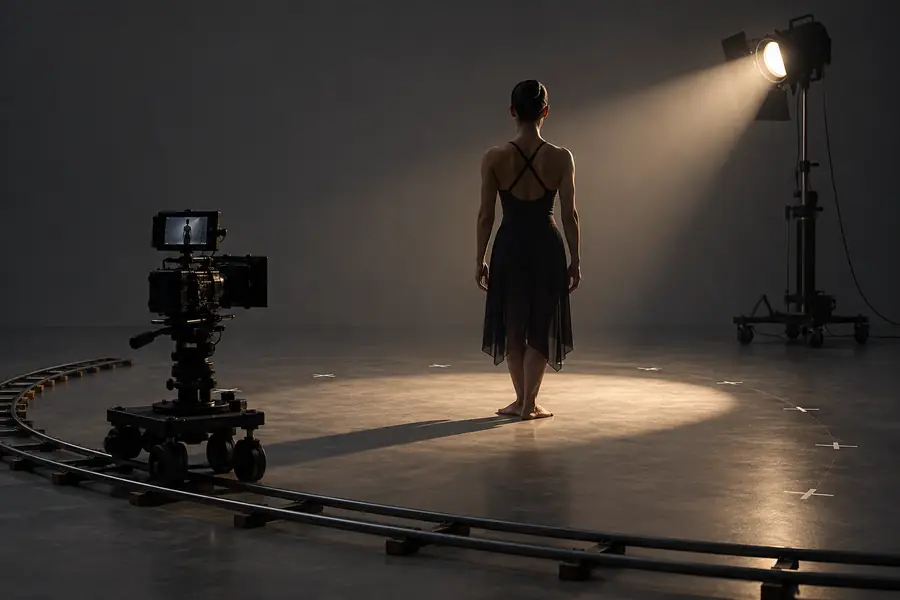
Reference frame with a simple subject and movement setup Reference setup
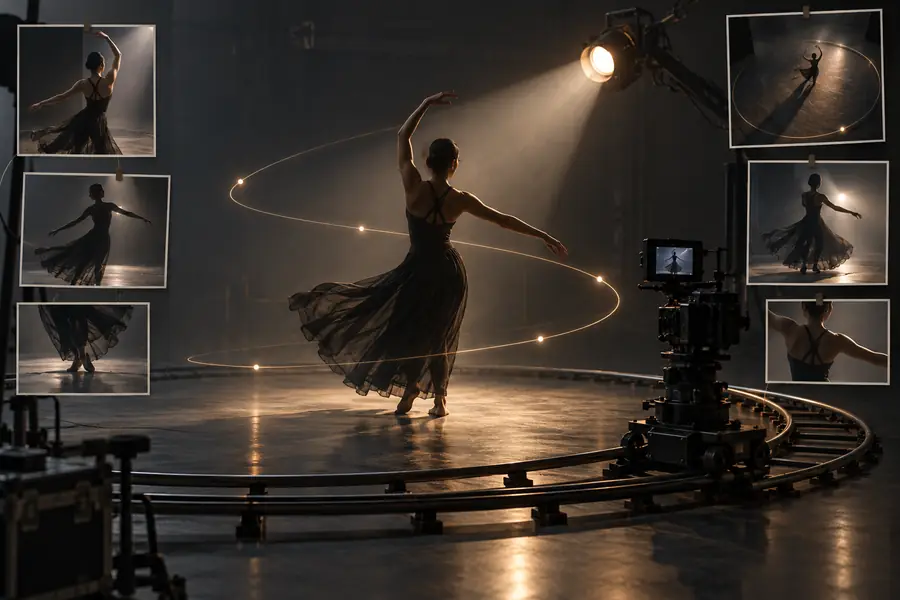
Generated cinematic frame shaped by guided movement Motion-guided output
The reference establishes movement; the prompt defines the scene, subject, and finish.

What fails

Motion control is a guide, not a guarantee that every frame will preserve identity, geometry, or physical logic. These are the failure points worth checking first.

Too many actions at once

A prompt that asks for walking, dancing, spinning, zooming, and a changing background gives the system competing priorities.

Workaround

Choose one primary movement and add only one supporting camera or environmental change.

Unclear or noisy references

Cuts, occlusion, shaky framing, and several subjects can make the intended motion difficult to distinguish.

Workaround

Trim to the clearest continuous beat or use a simpler reference with one visible subject.

Identity drift during movement

Faces, hands, logos, and thin product details may change as the subject turns or leaves the original framing.

Workaround

Use a stronger source image, describe the protected details explicitly, and test shorter clips.

Physics that do not hold

Fast collisions, complex fabric, reflective surfaces, and precise object interactions can look synthetic or inconsistent.

Workaround

Slow the action, simplify the interaction, and treat the first render as a motion study rather than a final shot.

FAQ

It is used to guide the movement of a generated video with a reference performance, gesture, or camera path. The reference supplies motion direction while the prompt and source image define the subject, setting, and visual treatment.

A video or movement reference is helpful when you need a specific action, rhythm, or camera move. If you do not have one, higgsfield ai can still explore motion from a written description, but the result may be less repeatable.

Use one clear movement, a visible subject, and a short continuous reference without unnecessary cuts. Describe what must remain stable, then revise a single variable such as speed, direction, framing, or subject detail.

Generated video can reinterpret details as the subject turns, overlaps, or moves quickly. Better source imagery, shorter actions, simpler backgrounds, and explicit continuity instructions can reduce—but not eliminate—identity and geometry drift.

It can produce a useful first clip, but complex scenes usually need several passes. Treat the initial render as a way to validate movement, then refine the prompt, reference, subject details, and pacing separately.

Start creating
Start creating