No tool guarantees consistent characters
Faces, clothing, hands, and proportions can drift between shots, especially when scenes change quickly.
Workaround
Create a small reference pack and test the hardest shot before building the full sequence.
Practical comparison
What's better than Higgsfield depends on what you need most: fast cinematic ideas, repeatable character control, precise editing, or a simpler production process. This guide compares the tradeoffs without treating one tool as the winner for everyone.
Start here
Higgsfield is compelling for fast, stylized motion concepts. Other tools can be better when you need broader editing control, stronger repeatability, or a workflow built around existing assets.
Keep expectations realistic
Switching tools does not remove the hard parts of AI video. Every option still involves tradeoffs around consistency, iteration, and finishing work.
Faces, clothing, hands, and proportions can drift between shots, especially when scenes change quickly.
Workaround
Create a small reference pack and test the hardest shot before building the full sequence.
Most generation workflows are strongest in short clips, not uninterrupted narrative scenes with many actions.
Workaround
Plan short shots, then assemble them with deliberate transitions and cutaways.
A strong prompt can shape a generation, but it cannot replace timeline editing, compositing, or sound design.
Workaround
Choose a tool for generation, then finish the result in an editor suited to your delivery format.
A broader platform may offer more modes while making the first useful result harder to reach.
Workaround
Score tools by the workflow you repeat weekly, not by the length of the feature list.
Choose with evidence
The fastest comparison is a small, representative test rather than a long feature checklist.
Write down the subject, camera movement, visual style, duration, and delivery format you actually need.
Test the prompt or source asset in two or three candidates, keeping the creative direction and evaluation criteria consistent.
Choose the workflow that gives you usable results with the fewest retries, workarounds, and finishing surprises.
Decision snapshot
These are practical decision points for choosing an everyday production workflow, not claims that one platform wins every category.
Side by side
Higgsfield can be the right choice for a focused motion-first workflow. A broader alternative may win when your project needs more asset control or a deeper finishing environment.
Best starting point
Higgsfield
A text-led concept for stylized, cinematic motion
A broader alternative
A project that begins with images, assets, or an existing edit
Creative exploration
Higgsfield
Fast iteration on visual direction and camera ideas
A broader alternative
More room to combine generation with design and asset discovery
Shot consistency
Higgsfield
Works best when prompts and references stay tightly scoped
A broader alternative
May offer more tools for maintaining references across a project
Editing depth
Higgsfield
Useful for generating clips, with finishing often handled elsewhere
A broader alternative
Stronger fit when trimming, layering, and asset management happen in one place
Learning curve
Higgsfield
Focused workflows can be easier to understand at the start
A broader alternative
Broader feature sets may take longer to learn and configure
Production handoff
Higgsfield
Often suits creators who already have a preferred editor
A broader alternative
Can suit teams wanting more of the workflow in one environment
Ideal decision
Higgsfield
Choose it for rapid visual experiments and motion-led concepts
A broader alternative
Choose it when control, repeatability, or a wider production stack matters
Match the workflow
The right answer changes with the person making the video, the assets they already have, and how much finishing work they expect to do.
You need a striking camera move, a mood test, or a short visual pitch before production.
Higgsfield is often the more direct starting point because the brief stays focused on motion and visual intent.
higgsfield ai alternativeYou begin with generated stills, reference images, or a larger visual exploration process.
A broader creative platform may fit better when video is one part of an image-led workflow.
is openart ai better than higgsfieldYou need repeatable assets, quick variations, and a reliable path from idea to publishable post.
Compare the tool that generates the strongest first draft with the one that minimizes finishing and handoff time.
which is better freepik or higgsfieldYour team already works in a dedicated editor and only needs dependable generated clips.
A focused generator can be the better companion when it complements, rather than replaces, your current stack.
higgsfield ai alternativeThink in workflows
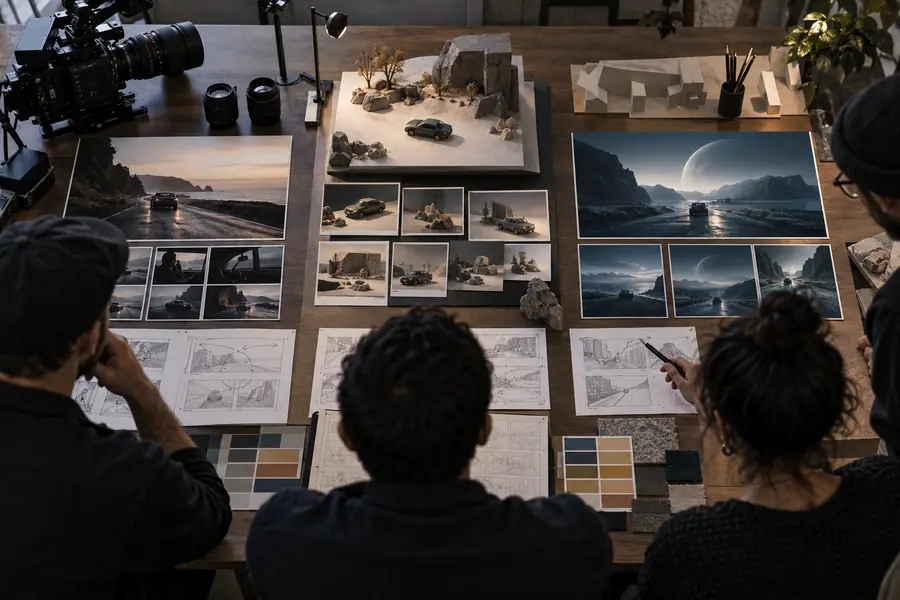 Tool-first decision
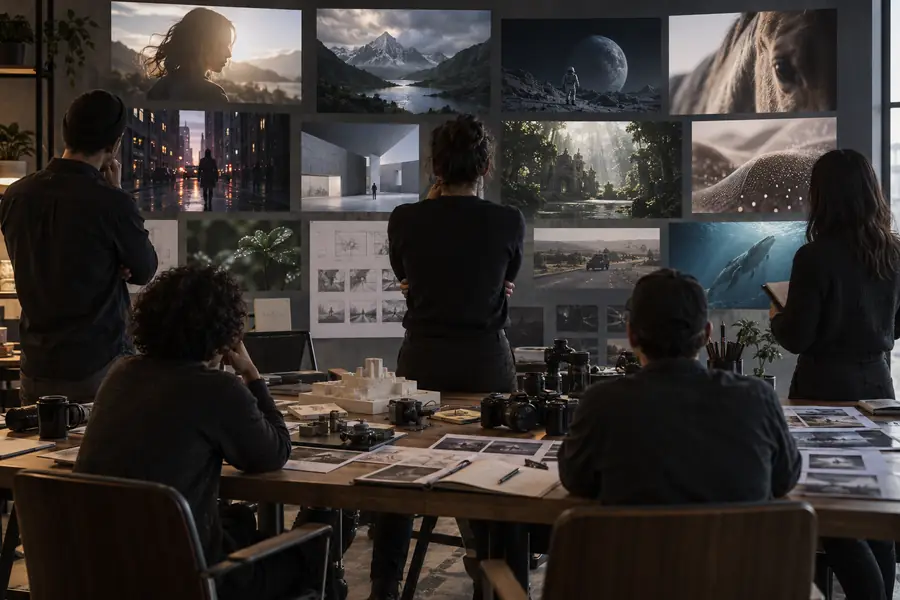 Workflow-first decision
Comparison FAQ
There is no universal winner. A broader creative platform may be better for image-led exploration, asset management, or deeper editing, while Higgsfield can be the better fit for focused cinematic motion concepts.
No. More features can add setup time and make the first useful result less direct. Choose the broader option only when its extra control solves a recurring problem in your workflow.
Not necessarily. If the clips are usable and the handoff to your editor is simple, staying may be more efficient. Switch when consistency, asset control, or finishing work repeatedly costs you time.
Use the same brief, reference material, duration, and evaluation criteria in each tool. Judge usable outputs, revision time, consistency, and the amount of cleanup required rather than comparing feature names.