Practical video ideas

See What Higgsfield AI Examples Can Become

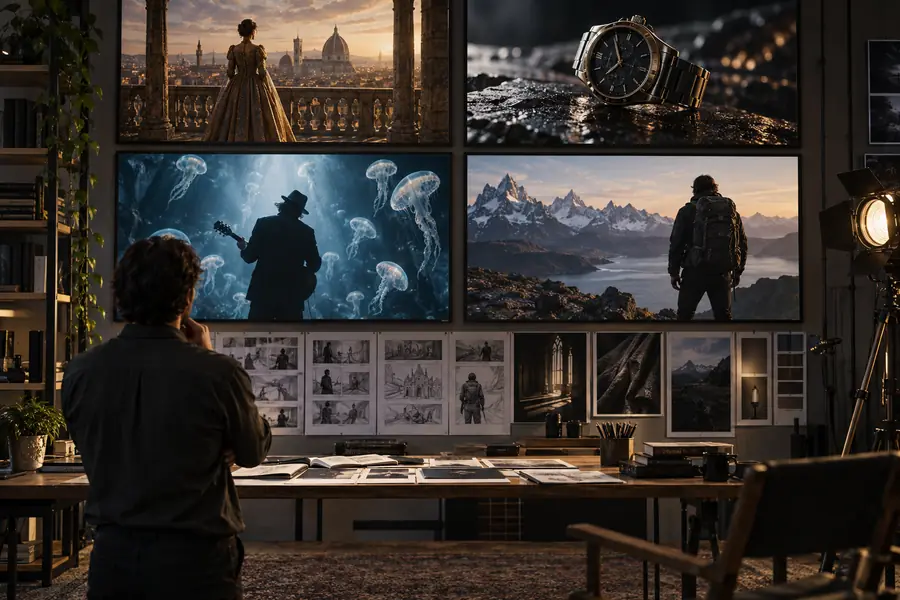
These higgsfield ai examples show how a rough concept can become a usable visual direction for product marketing, social content, and cinematic storytelling.

Free to start · review before publishing

The scenario's pain

The difficult part is rarely having an idea. It is turning that idea into a clear brief, a consistent visual language, and an output that can survive review.

A prompt cannot replace a creative brief

Higgsfield AI can interpret a visual direction, but it does not know your audience, brand history, launch goal, or approval criteria.

Workaround

Define the subject, audience, mood, format, and intended action before writing the prompt.
One generation may not lock every detail

Faces, hands, text, logos, product geometry, and small background elements can change between attempts.

Workaround

Use simple compositions, provide strong references, and plan a selection or cleanup pass.

Generated video is not automatically campaign-ready

A compelling clip may still need editing, captions, sound design, color work, rights checks, or accessibility review.

Workaround

Treat the output as a shot, concept, or draft asset inside a broader production workflow.

Results depend on the input

Vague prompts often produce generic scenes, while overloaded prompts can create conflicting instructions and unstable motion.

Workaround

Start with one subject, one action, one camera idea, and one visual style, then iterate.

3 concrete workflows

The strongest Higgsfield AI examples begin with a narrow production task rather than a request to make an entire finished campaign in one step.

  1. 1

    Turn a brief into a shot prompt

    Write the subject, setting, action, camera movement, lighting, aspect ratio, and emotional tone. Keep the first prompt specific enough to evaluate.

  2. 2

    Generate several visual directions

    Change one variable at a time: camera path, time of day, lens feel, color palette, or pace. Save the versions that communicate the idea most clearly.

  3. 3

    Select, refine, and assemble

    Choose the most stable take, improve weak details with another pass, then combine the clip with typography, audio, captions, and brand review.

Brief, generate, refine
3 stages
Subject, action, camera, mood
4 inputs
Every prompt should serve a viewer action
1 clear goal

Example output

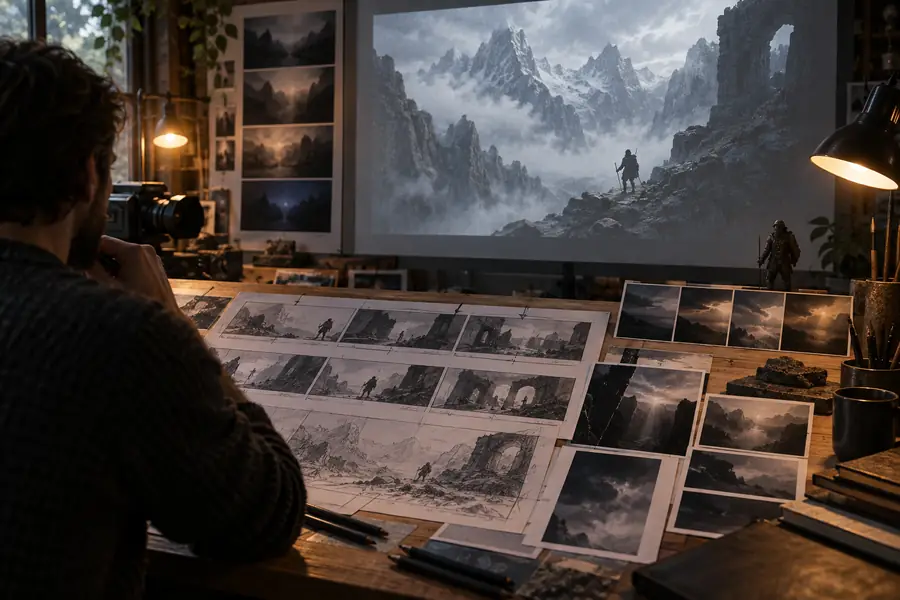
A useful before-and-after comparison is not about making the prompt longer. It is about making the visual intent easier for the model and the reviewer to understand.

Early visual concept for a generated video scene Loose concept
Refined cinematic motion scene with a clear subject and camera direction Directed visual
The refined version narrows the subject, motion, setting, and mood so the result is easier to judge and reuse.

Product marketer

You need a short launch visual before a full product shoot is scheduled.

Create several mood, camera, and setting directions that help a team choose a campaign route.

higgsfield ai video

Social media creator

You have a strong image or idea but need motion for a vertical post or teaser.

Test concise movement concepts for hooks, transitions, atmosphere, and repeatable content formats.

higgsfield ai motion control

Independent filmmaker

You want to explore a cinematic beat before committing to locations, props, or a full storyboard.

Use visual experiments to compare tone, framing, character movement, and scene energy.

higgsfield ai online app

YouTube educator

You need a visual opener, insert, or background concept that supports an explanation without distracting from it.

Develop a small library of scene directions that can be edited around narration and captions.

higgsfield ai examples youtube

Compliance notes

The safest Higgsfield AI examples make ownership, disclosure, and review part of the workflow rather than treating them as a final checkbox.

Manual production
Higgsfield AI workflow

Starting point

Manual production

A written brief, storyboard, reference board, or filmed material

Higgsfield AI workflow

A text prompt, image reference, or rough visual direction

Iteration speed

Manual production

Changes may require reshoots, new assets, or more coordination

Higgsfield AI workflow

Multiple concept directions can be tested before committing to production

Control

Manual production

High control over people, props, timing, and recorded details

Higgsfield AI workflow

Strong direction is possible, but fine details may still vary

Brand accuracy

Manual production

Approved products, logos, and environments can be captured directly

Higgsfield AI workflow

Brand elements should be checked carefully for distortion or unintended substitutions

Rights review

Manual production

Talent, location, music, footage, and design permissions still need documentation

Higgsfield AI workflow

Inputs, references, likenesses, trademarks, and outputs also need rights review

Final delivery

Manual production

Often closer to a finished asset after editing and finishing

Higgsfield AI workflow

Usually best treated as a concept, shot, or draft until edited and approved

Disclosure

Manual production

Production method may be documented through normal project records

Higgsfield AI workflow

Follow the platform, client, and jurisdictional rules that apply to synthetic or altered media

Scenario FAQ

Start with a single subject in a simple setting, such as a product reveal, portrait movement, or cinematic establishing shot. These examples make it easier to see how changes to camera, lighting, and action affect the result.

They can help develop commercial concepts and draft assets, but usage depends on the tool’s current terms, your inputs, and the rights associated with any references or likenesses. Review the output for trademarks, recognizable people, copyrighted material, and brand accuracy before publishing.

Describe the subject first, then add the action, environment, camera movement, lighting, composition, aspect ratio, and mood. Avoid combining several unrelated shots in one prompt; create separate directions and compare them.

Generative video can vary when prompts contain too many competing details or when the subject is difficult to preserve across motion. Use a clearer reference, reduce the number of moving elements, and refine one variable at a time.

Start creating
Start creating